Introduction
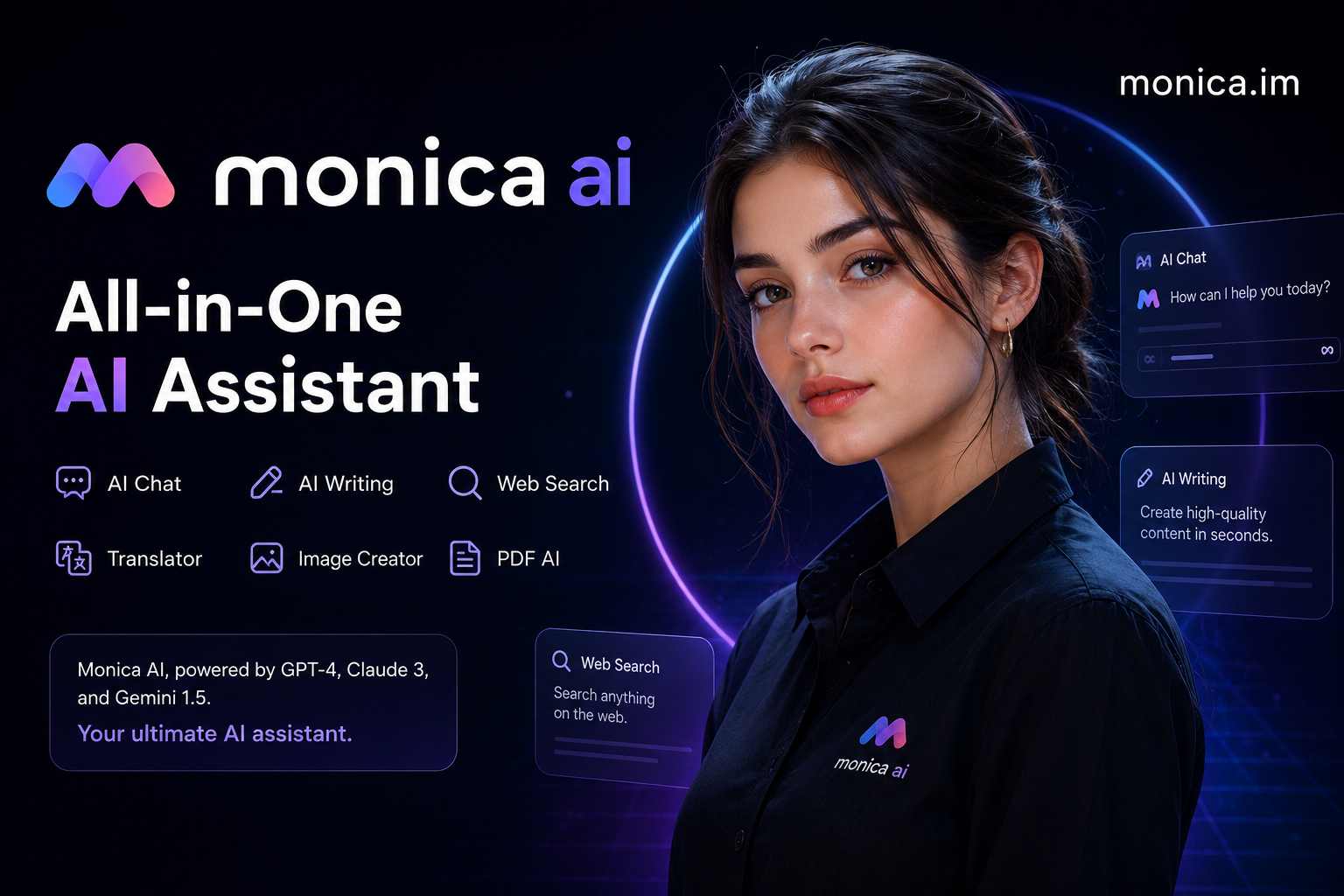
Monica AI is an all-in-one artificial intelligence assistant designed to bring multiple AI-powered tools into one platform. It can help users with AI chat, web search, writing, translation, document and webpage summaries, image generation, video-related tasks, and coding. Monica is available through browser extensions as well as desktop and mobile applications.
What Is Monica AI?
Monica AI is a digital assistant that combines several AI capabilities in a single interface. Instead of switching between different services for writing, research, translation, image creation, and summarization, users can access these functions through Monica.
The official platform describes Monica as an AI assistant that works across websites, desktop computers, and mobile devices. Its browser tools can also appear alongside webpages and search results, making it useful for everyday online tasks.
Key Features of Monica AI
AI Chat
Monica provides an AI chat experience for asking questions, brainstorming ideas, explaining subjects, and creating content. Users can also regenerate answers or modify their questions when they want a different response.
AI Search
The search feature can use web access to find and summarize current information. Monica’s documentation says its search system can analyze multiple sources and provide a summarized response with references.
AI Writing
Monica can help compose and improve different types of text. Its writing tools allow users to specify details such as format, tone, length, and language before generating content. This can be useful for drafting articles, emails, summaries, and other everyday writing tasks.
AI Summarization
One of Monica’s useful functions is summarization. It can work with webpages, articles, PDFs, images, screenshots, and videos to extract important information and present it in a shorter form.
Translation
Monica includes translation tools for webpages, PDFs, and copied text. Its immersive translation feature can display translated content while preserving the original page for comparison.
AI Image and Video Tools
Monica also provides creative AI tools for generating images and working with video-related content. The platform currently lists several image and video technologies among its supported tools.
Monica AI for Students and Researchers
Monica can be useful for learning and research when it is used as a supporting tool rather than a replacement for careful reading. Students can use AI to explain difficult concepts, summarize permitted study materials, translate text, and organize information.
For research, Monica’s web-access capabilities can help gather information from online sources. Its learning resources also describe academic and developer search features for finding and summarizing relevant material.
Users should still verify important facts against reliable original sources, particularly for academic, medical, financial, or legal information.
Monica AI for Content Creators
Content creators can use Monica for brainstorming, rewriting, outlining, translation, and summarization. Its writing assistant is designed to generate or improve content, while its AI art features can help turn text ideas into visual concepts.
For SEO content, AI-generated drafts should be reviewed and edited by a human to add accurate information, original insights, useful examples, and genuine value for readers.
Monica AI Browser Extension
One of Monica’s notable advantages is its browser integration. On supported browsers, users can call Monica directly while viewing a webpage. The official help documentation says the assistant can be summoned with Ctrl+M on Windows or Cmd+M on Mac.
A smart toolbar can also provide actions such as translation, explanation, grammar checking, and expansion when text is selected on a webpage.
Monica AI on Desktop and Mobile
Monica is designed to work across multiple platforms. The official download page lists support for Windows, macOS, Android, iOS, iPadOS, and browser extensions.
This cross-platform approach allows users to continue using AI tools across different devices instead of being limited to a single computer or browser.
Monica Bots
Another feature is Monica Bots, which allows users to create customized AI bots. According to Monica’s documentation, users can configure bots with prompts, built-in skills, knowledge, and web access.
The platform also provides preset bots for different purposes, while users can create and publish their own customized bots.
Is Monica AI Free?
Monica offers a free starting option, although free usage has daily limits. The official website states that advanced features may require an upgrade to a paid plan.
Because AI models, limits, and subscription offerings can change, users should check Monica’s current official pricing information before choosing a plan.
How to Get Started With Monica AI
Getting started is relatively straightforward:
- Visit the official Monica website.
- Choose the platform you want to use, such as a browser extension, desktop application, or mobile app.
- Sign in or create an account if required.
- Open the AI assistant.
- Select the feature you need, such as Chat, Search, Write, Translate, Read, or Art.
- Enter your request and review the generated result.
- Verify important information before relying on it.
Benefits of Monica AI
The main advantage of Monica AI is convenience. Instead of using separate applications for many common AI tasks, users can access several capabilities from one platform.
Other potential benefits include:
- Multiple AI functions in one place
- Browser-based assistance
- Web search and summarization
- Writing and rewriting support
- Translation tools
- Document and PDF assistance
- AI image-generation tools
- Desktop and mobile availability
- Custom AI bots
- Tools for professionals and researchers
Things to Consider Before Using Monica AI
AI assistants can produce incorrect, incomplete, or outdated information. Monica’s web-access features can help with current information, but users should still check important claims against trustworthy sources.
Privacy is another consideration. Before uploading private documents, personal information, or confidential business material, users should review the platform’s current privacy policy and understand how their information is handled.
Final Verdict
Monica AI is a versatile all-in-one AI assistant that combines chat, search, writing, summarization, translation, image generation, and other AI tools in one ecosystem. Its browser integration and availability across desktop and mobile devices make it particularly convenient for people who frequently work online.
For users looking for a single AI platform for everyday research, writing, productivity, and creative tasks, Monica AI is worth exploring. The best experience will depend on the features, AI models, usage limits, and pricing available at the time of use.
